
Video: How to Create a Technical Drawing for CNC Machining

Joel Schadegg
Written byJoel Schadegg
Greg Paulsen
Updated byGreg Paulsen
1 min read
Published September 23, 2022Updated September 11, 2024
Learn how to submit a perfect technical drawing so your manufacturer can produce your parts and fulfill your requirements effectively.
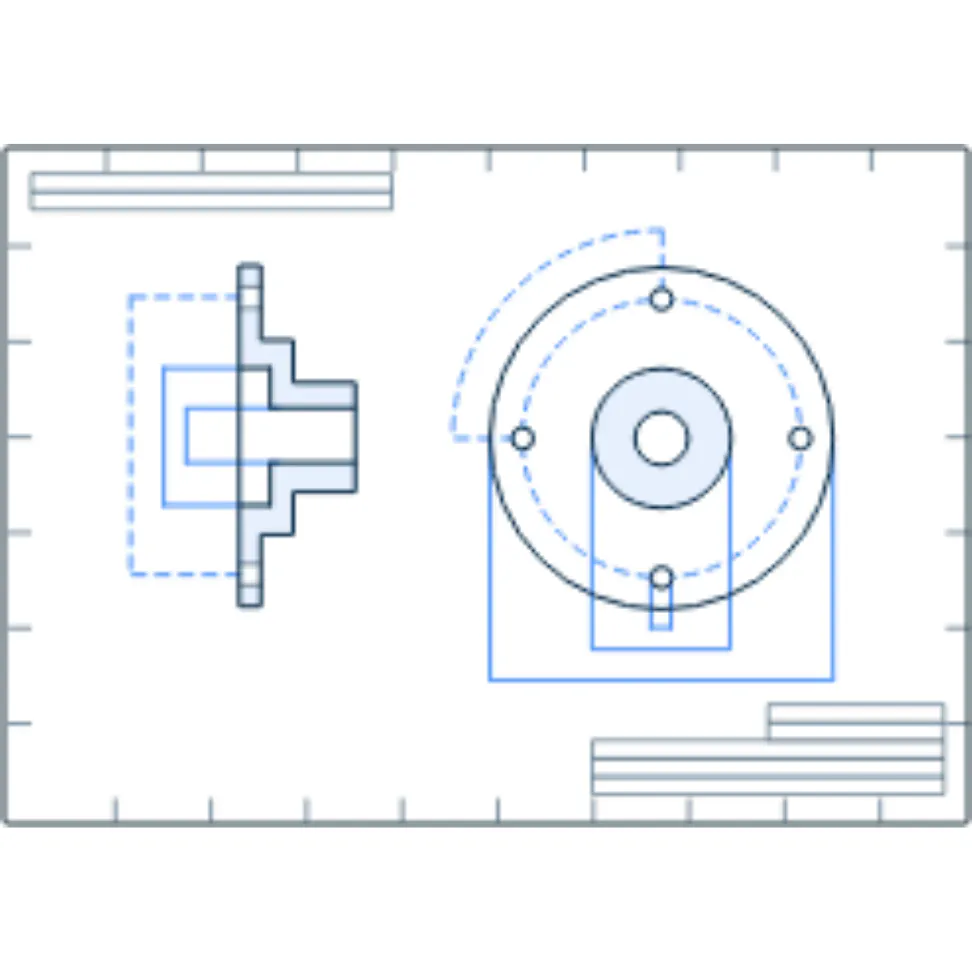
example of a technical drawing

Technical drawings give a clear and detailed view of parts, making it easy for an engineer and a CNC machinist to understand the geometry of a part. It also helps them understand the part’s function, dimension, and key features. Best of all, technical drawings can be submitted quickly and easily in the Xometry Instant Quoting Engine®. Through this short video, compiled by the subject matter experts at Xometry, you will learn how to submit a perfect technical drawing so that your manufacturer can produce your parts and fulfill all of your requirements effectively.

Start Your Instant QuoteSTEP · STP · SLDPRT · STL · DXF · IPT · X_T · X_B · 3DXML · CATPART · PRT · SAT · 3MF · JTUpload Your Design
All uploads are secure and confidential
picture of Joel
Joel SchadeggHey, I’m Joel, a technical content writer at Xometry! I have made it my personal mission to help customers like you get the most out of the Xometry experience and achieve success on your projects by leveraging my hands-on experience running machines, processing parts, and ensuring order fulfillment.Read more articles by Joel Schadegg

Get in Touch

Ready to start your next manufacturing project? Our team is here to help with quotes, technical questions, and custom solutions.

By entering your contact information, you are agreeing to receive email communications about Xometry products and services. You may update your subscriptions or unsubscribe from these communications at any time using the link at the bottom of every marketing email or by contacting support. For more information, review our Privacy Policy.