
When to Invest in New Manufacturing Equipment

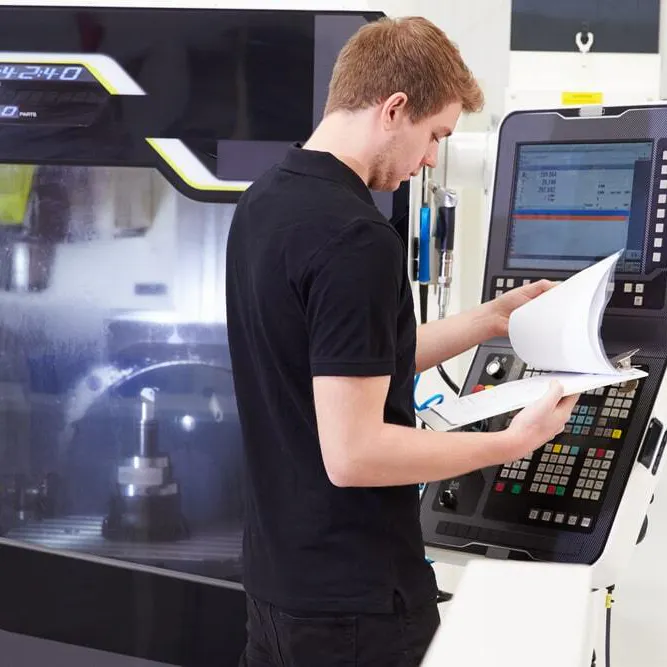
Knowing when to buy a machine rarely comes down to a single factor. The better indicator is what your shop is already telling you: how often machines go down, repair costs, how booked your shop is, and whether you can get the right work to pay off your investment. This article covers the signals to look for and considerations to keep in mind when you're thinking about adding a new piece of equipment to your shop.
Signs It's Time to Invest in New Equipment
First off, you'll want to look at patterns over the year. Don't let one bad month convince you it's time to sink money into brand-new gear. These are the four signs to be most aware of:
Rising Downtime and Breakdowns
Look at the last 12 months of downtime. If the same machine keeps stopping and the same components keep failing, repairs are buying time, not reliability. Continued repeat failures on a machine you already fixed are your cue to start looking for a replacement.
Climbing Maintenance Costs
Add up those repairs, service calls, and replacement parts for each machine. Annual maintenance commonly benchmarks at 2-5% of replacement value. A machine well above that and still climbing, or a rebuild quote nearing over half the replacement cost, is hard to justify.
Utilization Above a Healthy Range
Many job shops run at 60-65% spindle utilization, and strong shops aim for 80%. If a machine stays loaded at the top of that range and you're still running overtime or passing on work, it's a sign you've outgrown it.
Spare Parts Becoming Hard to Source
Past 15 years or so, controls and drives get harder to find. Age alone isn't the test; plenty of 20+ year-old machines run fine. If the only source for a board is the secondary market and lead times keep stretching, that's a signal.
Looking for A Steady Work Stream?
Weigh Utilization and ROI Before You Buy
Before you cut a PO, check whether the capacity is already on your floor. Idle time from changeovers, tool prep, and first-article approvals hides more spindle hours than most shops expect, and recovering them costs far less than a machine. If the purchase still holds up, run a payback calculation: total investment (machine, installation, tooling, training) divided by the annual net benefit. Being under three to four years is generally considered strong. Be honest about run hours, since an inflated estimate makes your hourly cost look better than it is. Many owners also ask how many hours a month the machine needs to cover its payment. Buy to fix a problem you can name, not the biggest machine you can finance.
It was always drilled into me that you don't buy more equipment until what you have is paid for or a contract comes your way that pays for the equipment up front.
Work in hand is what makes the math safe. If you need work to keep new iron busy, the Xometry Partner Network matches jobs to your capabilities, skips the bidding process, and lets you pick what fits your capacity and expertise.
Update Your Shop Capabilities Profile When You Invest
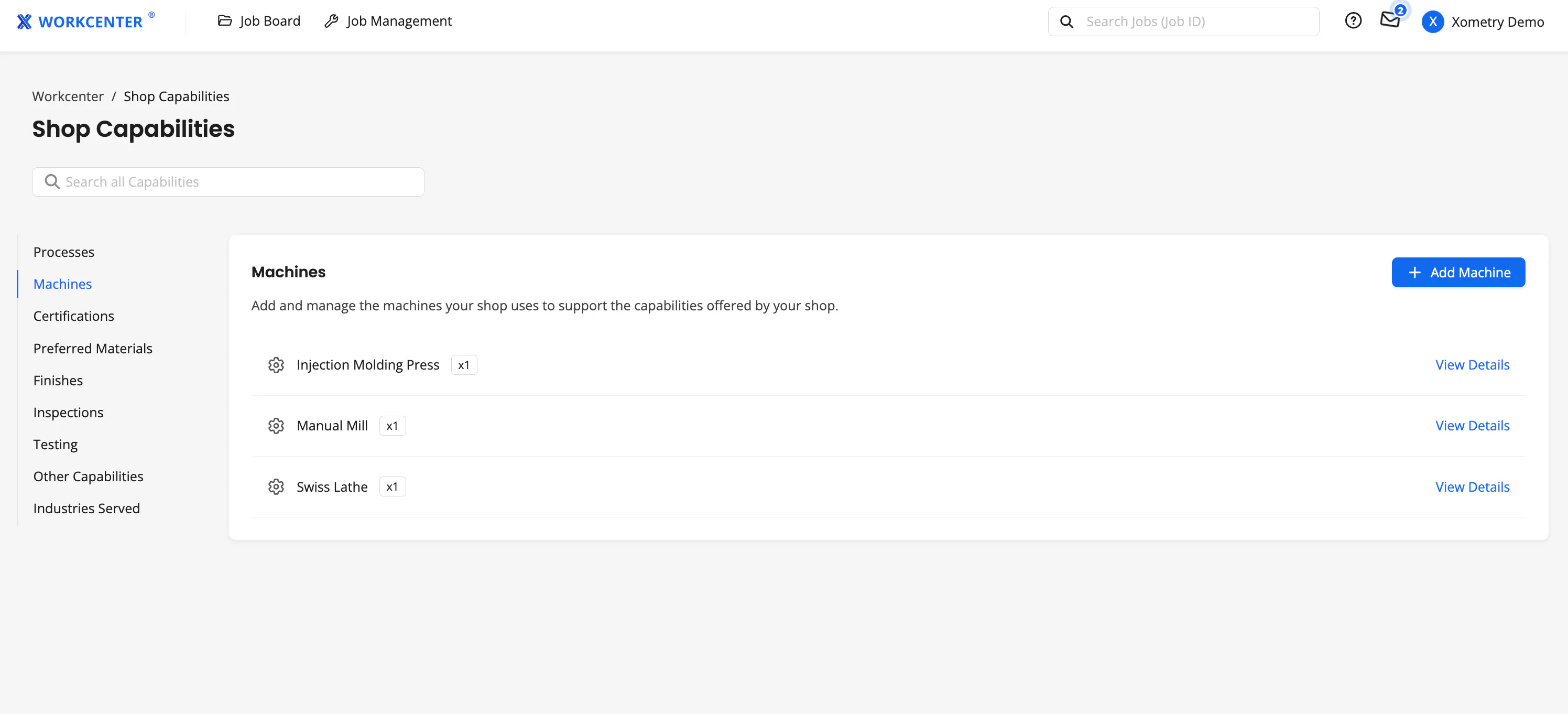
If you're a Xometry supplier, don't forget to keep your shop machinery and capabilities up-to-date in Workcenter. Our job board shows work that matches your Shop Capabilities profile, so if the right type of machine isn't listed on your Machines Page, jobs that require it won't reach you. As far as job matching goes, an unlisted machine doesn't exist. Add it the week it's running, along with any subprocesses it opens up, such as grinding on the machining side or roll forming for sheet metal.
Certifications and registrations work the same way. If you become ITAR-registered or obtain a new certification, such as AS9100 or ISO 9001, adding them to your profile opens access to higher-value jobs that go to qualified shops. That's a bigger subject, so see how to optimize your Xometry profile for the full walkthrough.
In summary, good timing comes from your own numbers: downtime, upkeep, loading, and parts. Make the case on those, buy what the work needs, and make investments when it makes sense. When you're ready to put your capacity to work, apply to the Xometry Partner Network if you're not already a supplier, and keep your shop's capabilities up to date.